Web browser · version 9.0.1
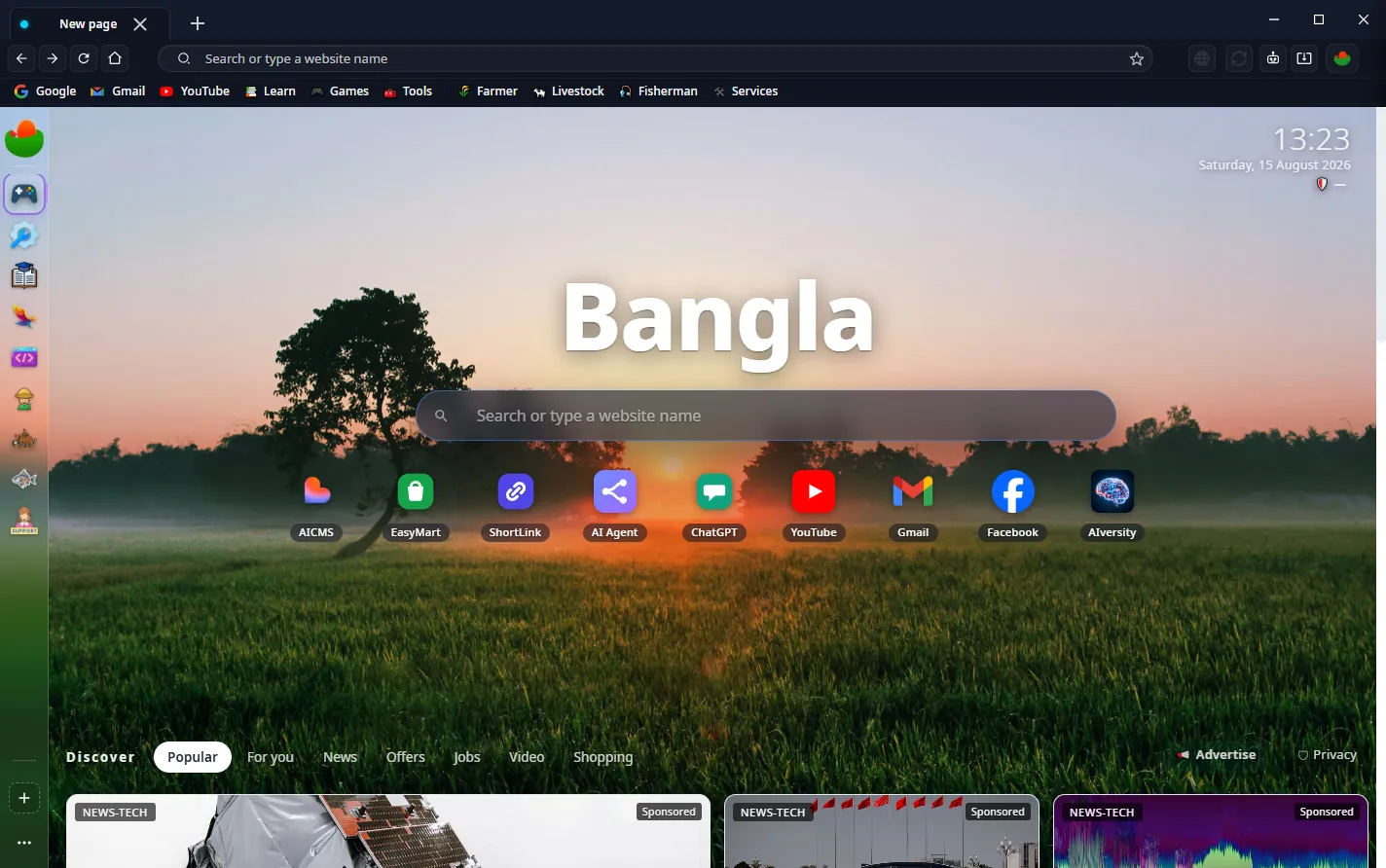
This one opens only what you allow.
A blocklist is a list of yesterday's threats. It cannot know about a domain registered this morning, which is exactly what a phishing campaign uses. Bangla's Lockdown Mode inverts the rule: if a name isn't on your allowlist, it doesn't resolve, doesn't load, and never gets a connection.
Windows · macOS · Linux · Android — no account, no telemetry, no price
The difference
Everything else on this page follows from one design decision, so it is worth being precise about it.
| Situation | A blocklist browser | Bangla, Lockdown on |
|---|---|---|
| Domain registered an hour ago | Loads. It isn't on any list yet. | Refused. It isn't on yours. |
| Look-alike of your bank | Loads until someone reports it. | Refused, however convincing it looks. |
| You type a bare IP address | Usually allowed. | Refused — an address can't be allowlisted by name. |
| An approved site breaks | Open DevTools and read the console. | The domain it needed is named in the live log — allow it in one click. |
| A whole TLD you never use | One domain at a time, forever. | Lock .zip, .top, .xyz in one move. |
| Child turns the protection off | A toggle in settings. | Needs the PIN — and survives a settings reset and a restart. |
Lockdown ships off. Nothing here switches itself on behind your back.
How it works
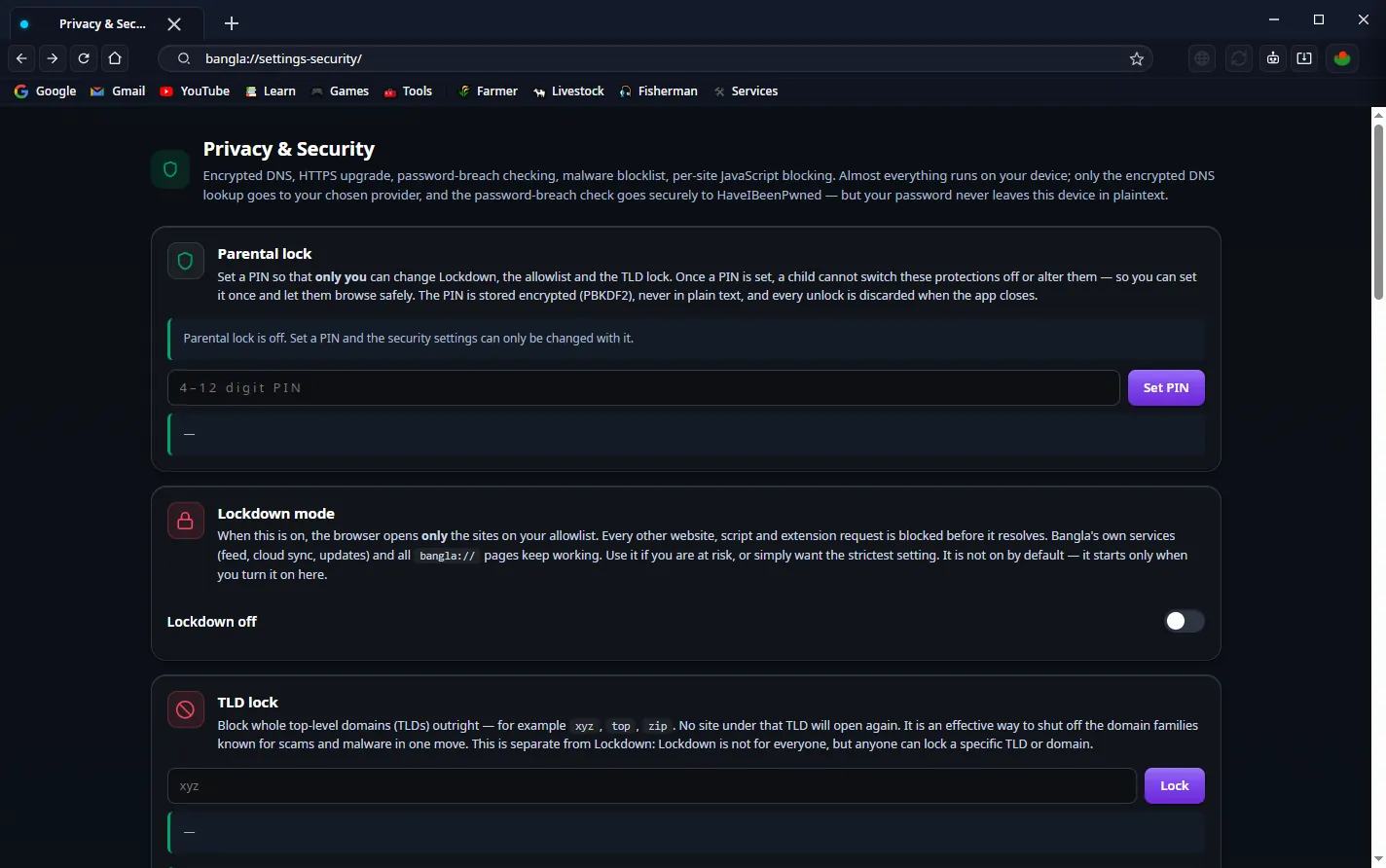
You name the domains. Everything else is refused before a socket opens — not
rendered and then hidden, but never fetched. Bangla's own services and its internal
bangla:// pages keep working, so the browser stays usable.
A protection that refuses something silently is a page that looks broken for no reason. Every refusal is listed as it happens — the domain, why it was refused, and which page asked for it — and the one it needed can be allowed from that row in a single click. The list lives in memory and is never sent anywhere.
Separate from Lockdown, and useful on its own. Block a whole top-level domain and
nothing under it opens again. Most people never knowingly visit a .zip
address; a great deal of malware lives there.
Hashed with PBKDF2, rate-limited after five wrong attempts, re-locked when the app closes. Resetting preferences keeps the key, so the reset trick doesn't work. There is no recovery path, because a recovery path is the bypass.
DNS-over-HTTPS by default, so the network you are on can't read which sites you asked for. With HTTPS-only mode alongside it, a hostile Wi-Fi learns very little.
What's inside
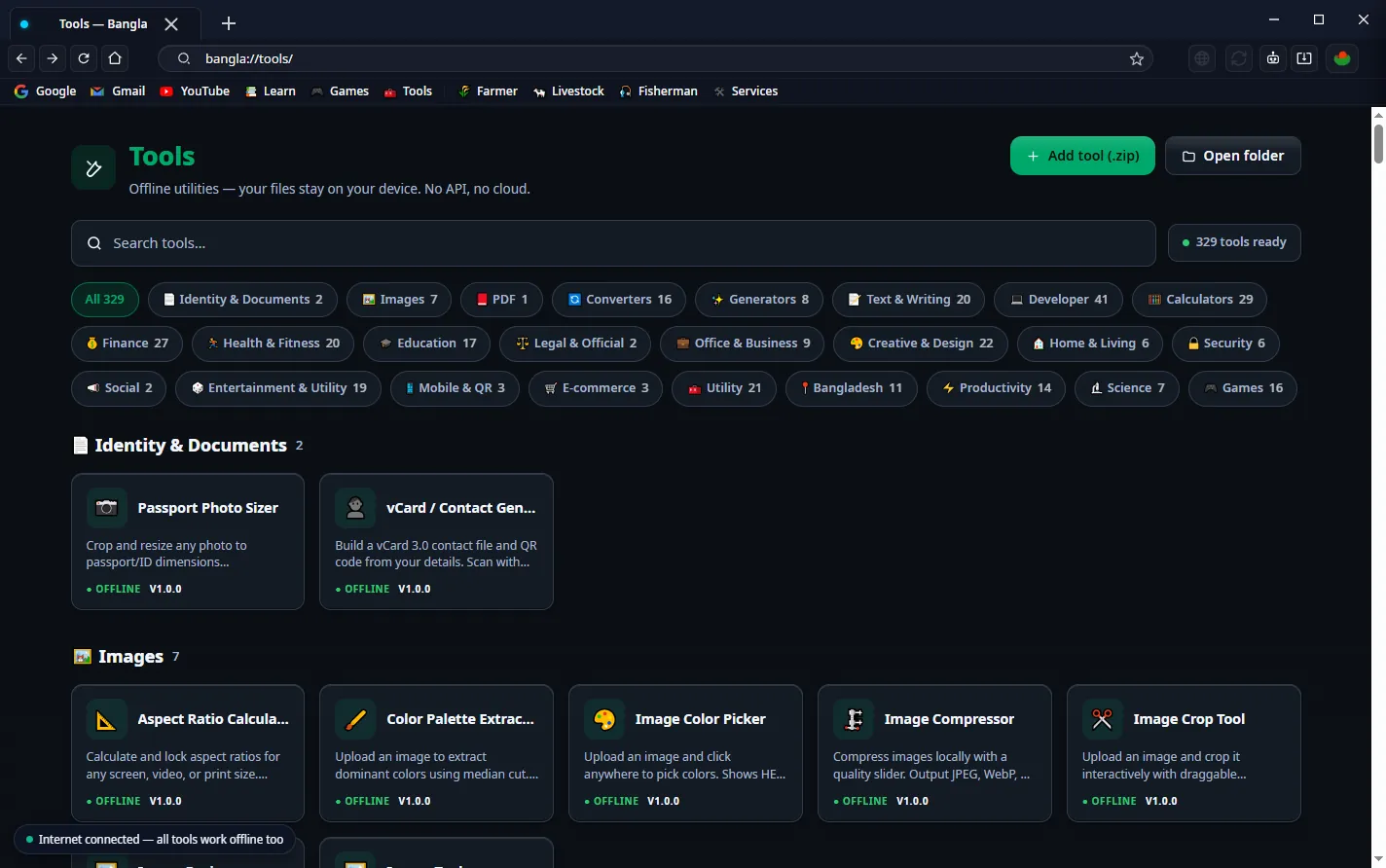
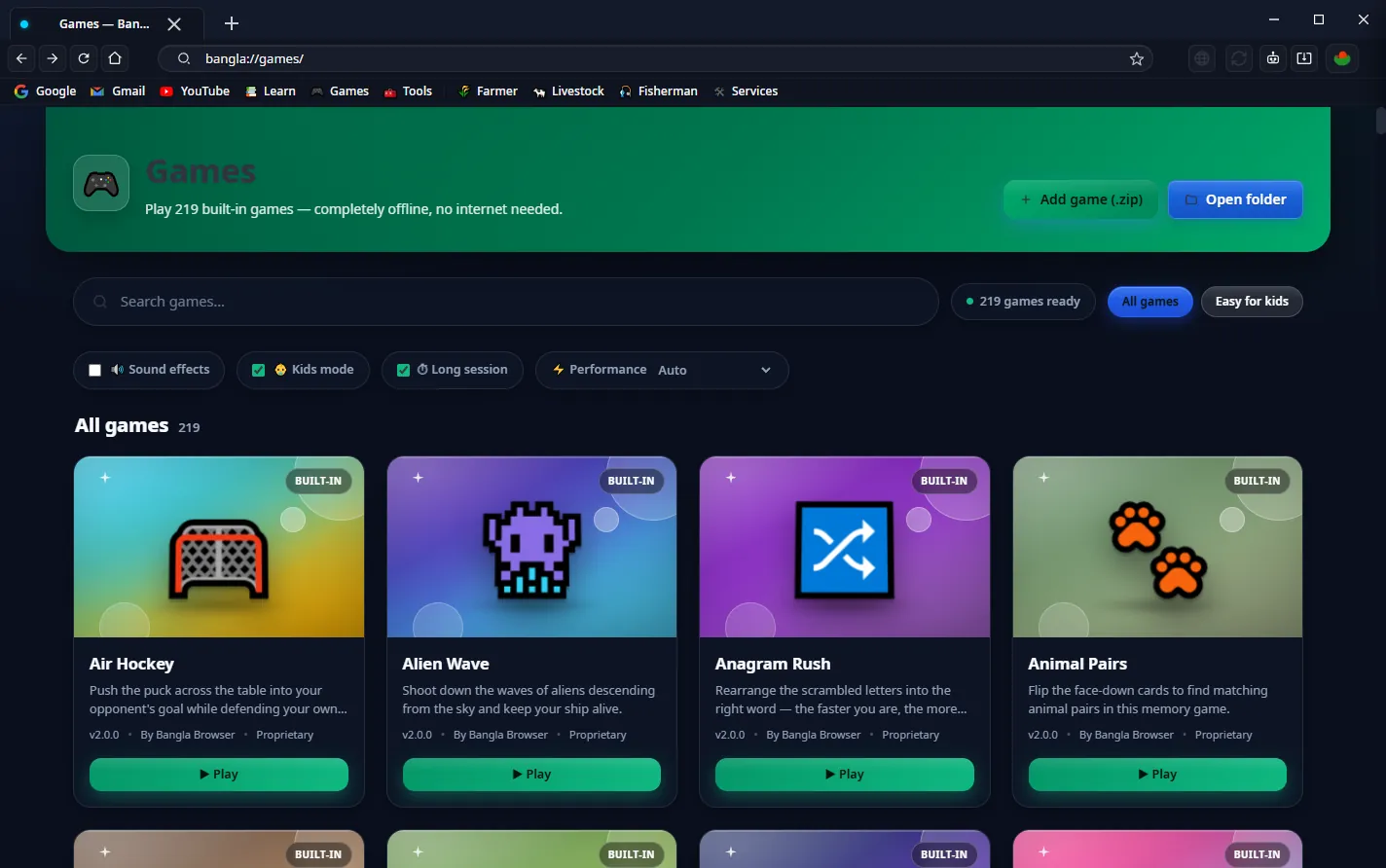
Search, messaging, editing and the offline library are all ours. That isn't a feature list for its own sake — every component you don't outsource is one less place data can leave from.
Our own index. No profile is built and no query is sold. Switch the default to Google or anything else whenever you like.
Chat, voice and file transfer across one Wi-Fi network, with nothing routed through a server.
File tree, syntax highlighting, terminal, Git and an assistant — without installing an IDE.
PDF, image, video, converters, calculators. Files are processed on your machine; nothing uploads.
Built in, no ads, no purchases, and they run with the network unplugged.
Part of the browser rather than an extension you have to trust separately.
Specification
Sync data, saved passwords and cards are encrypted on your device. The passphrase never reaches a server — which also means we cannot recover it for you.
Editions
Lockdown, TLD locking, the PIN and the encryption are identical everywhere. What differs is how much ships alongside them.
The browser, the security, and the whole offline library in one application.
For when a browser and its security are all the machine is for.
A native app, not a wrapper. Phishing arrives by message and gets opened on a phone.
Download
Free, no account. This build opens in English, in dark mode.
Start-Process .\Bangla-Setup-9.0.1.exe
Run it from the folder you downloaded into.
Android: bangla-browser.apk — Android will ask once for permission to install from an unknown source.
Questions
It would, if you left it on for general browsing — which is why it ships off. It is meant for a machine with a job: a work terminal, a child's laptop, a device that touches banking. Everywhere else, run without it and keep the blocklist, DoH and HTTPS-only defaults.
You set the profile up again. There is deliberately no reset link, no recovery email and no support override — each of those would be the exact hole the PIN exists to close.
No. Every security control is identical. Lite simply doesn't ship the games, tools and learning library, so it installs at 146 MB instead of 343 MB.
History, bookmarks and passwords stay on the device. If you turn on sync, they are encrypted locally with AES-256-GCM before transmission, and the passphrase never leaves your machine. There is no telemetry.
Yes — the engine is Chromium, so site compatibility is what you already expect. The security model, the interface and everything in "what's inside" above are ours.
The browser is not. Our font, keyboard and Linux distribution are, on GitHub.
Bir Bangali Group, in Dhaka, Bangladesh. Reach us at [email protected].
